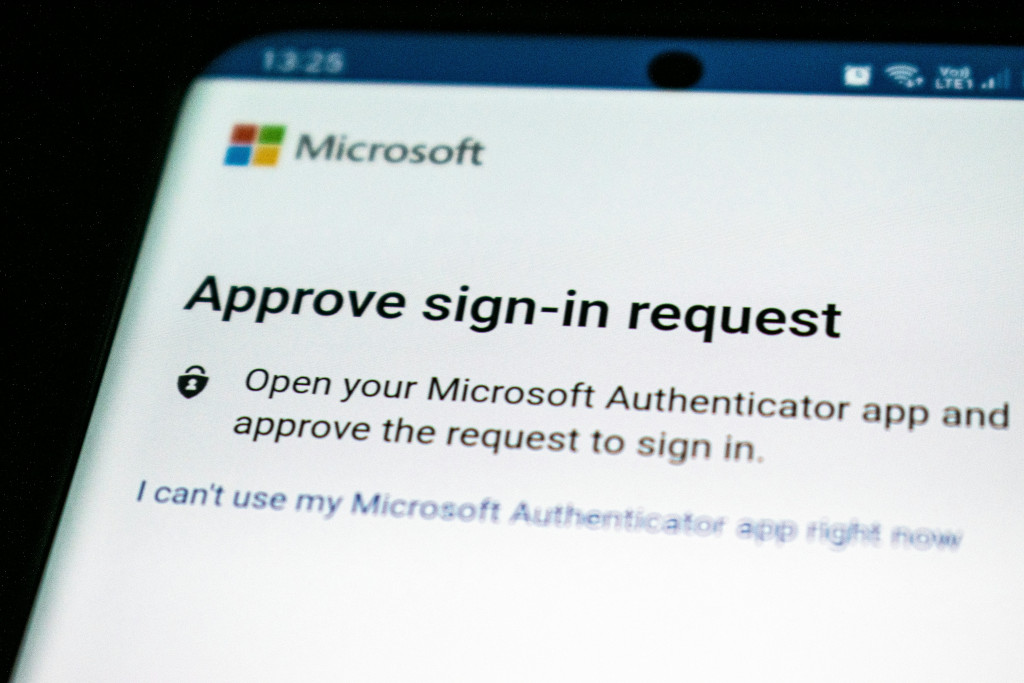
Multi-factor authentication has become the go-to answer for almost every security question.
It is easy to see why. It is simple to enable, hard for attackers to bypass, and genuinely effective at stopping many common attacks.
At the same time, it is not a silver bullet. MFA does not protect against every kind of mistake or every kind of misuse. Understanding that difference is what turns a good security setting into a useful one.
What multi-factor authentication really is
Multi-factor authentication, usually shortened to MFA, means logging in with more than just a password.
Most of the time, that second step is something like a one-time code on your phone, a push notification you approve, or an authentication app. Even if someone gets hold of your password, they still cannot log in without that extra step.
That small change has a big impact on the kinds of attacks small businesses actually face.
What MFA is very good at stopping
MFA blocks a large number of common, real-world attacks. Not the dramatic ones that make headlines, but the everyday techniques that cause most account compromises. These are the main ones.
Stolen or reused passwords
Passwords leak constantly. They come from old breaches, shared accounts, or the same password reused across multiple tools. MFA means a leaked password on its own is no longer enough to get in.
Convincing phishing emails
Even careful people get caught occasionally. If someone is tricked into typing their password into a fake login page, MFA often stops the attacker from going any further.
Automated login attacks
Bots can try thousands of passwords a day without slowing down. They usually give up once MFA is required because it adds friction and makes the attack less worthwhile.
This is why MFA is recommended so often. It removes a large number of easy wins for attackers and reduces risk quickly with very little effort.
Where MFA doesn’t protect you, and why that matters
MFA is powerful, but it has limits. Knowing those limits helps you use it properly instead of assuming it is doing everything.
This does not make MFA pointless. It simply means it is one control among many.
Approving a login without realising it
Some attacks do not try to bypass MFA at all. They wait for you to approve it.
This often happens when someone is tired, distracted, or receives an unexpected “Is this you?” prompt and taps Approve without thinking. In these cases, the attacker relies on a moment of human error rather than a technical weakness.
Stolen logged-in sessions
Once you are logged in, MFA has already done its job. If someone hijacks that active session, often through a malicious link or a compromised device, MFA is usually not checked again.
This is why device security and cautious clicking still matter, even when MFA is enabled.
Access that already exists
MFA protects logins, not decisions. If the wrong person already has access, such as a former staff member, a shared account, or a contractor with too much permission, MFA will not stop misuse of that access. This is an access management problem rather than a login problem.
Systems that do not support MFA properly
Some older tools, shared accounts, or “set and forget” systems do not support MFA at all, or only support it partially. Attackers actively look for these weaker systems because they know MFA will not get in their way.
People being tricked rather than hacked
MFA is excellent at stopping technical attacks. It is less effective against social engineering, where someone is persuaded to do the wrong thing themselves.
That is why habits and awareness matter just as much as technical controls.
How to use MFA in a sensible way
The goal is not to turn MFA on and forget about it. The goal is to use it with realistic expectations.
A sensible approach includes the following steps:
- Turn on MFA everywhere it is supported, starting with email, cloud tools, and banking.
- Help people understand that they should not approve MFA prompts they did not initiate.
- Keep devices updated and protected so sessions are harder to steal.
- Regularly review who has access, especially when people leave or change roles.
- Identify systems that cannot use MFA and treat them as higher risk.
None of this needs to be complex. It simply requires occasional attention and follow-through.
Security works best in layers
It is tempting to believe that one setting will fix everything. MFA often gets treated that way because it is visible and easy to enable.
Good security is quieter than that. It is built from layers, steady habits, and understanding what your controls actually do. When you know where MFA is strong and where it is not, you can make better decisions and avoid unpleasant surprises later.
Turning on MFA is a great step. Just make sure it is part of a broader, steady approach rather than the last thing you ever look at.