Security Watch

Stay ahead of threats with ongoing monitoring

BrightShield continuously monitors your systems, devices, and accounts, alerting you to important changes, new scams, and emerging vulnerabilities before they cause trouble.

How it works

Ongoing checks across your business

We monitor your key systems, devices, and accounts so you always know they’re in a safe state.

Early warnings when risks appear

If something important changes or a new risk shows up, we alert you quickly so you can act before it becomes a problem.

Alerts for risky changes or misconfigurations

If something important changes, like a security setting being turned off or a file being shared too widely, we let you know straight away.

Notifications for missing updates or weak settings

We highlight devices or systems that need attention, such as outdated software, turned-off protections, or settings that weaken your security.

Breach and account exposure alerts

If your accounts show up in a known breach, we alert you quickly and explain what to do next so you can secure them before anyone misuses the information.
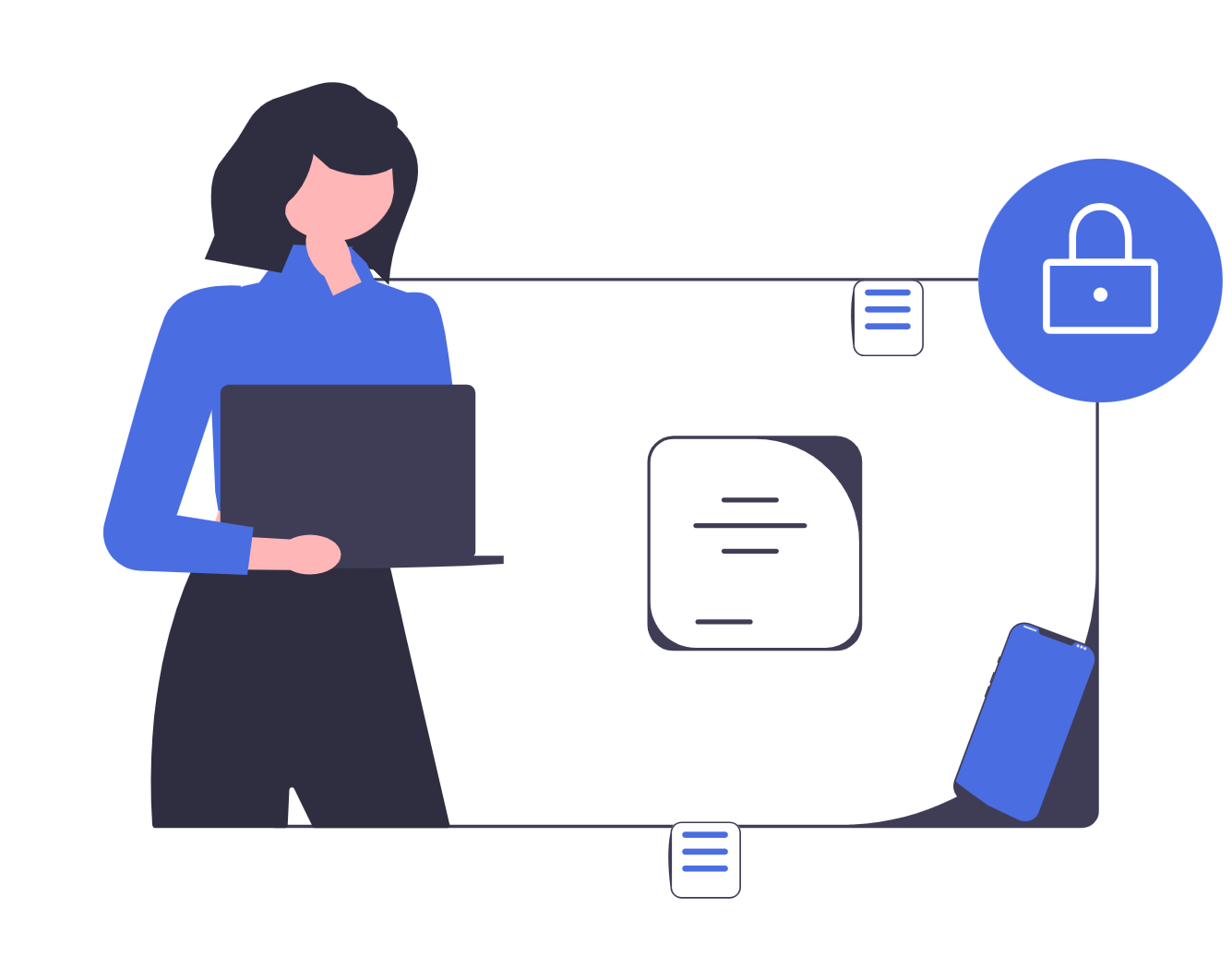
Illustration representing device and email security monitoring, displaying security status checks, automatic updates, and email configuration options

Expert updates on emerging threats

We keep you informed about new scams and vulnerabilities that affect your business, with simple guidance on what to do next.
FAQs

Frequently Asked Questions

What does Security Watch include?

Security Watch provides ongoing monitoring of your key systems, devices, and accounts, along with alerts when something needs attention. You’ll also receive updates on new scams and vulnerabilities that could affect your business, with practical guidance to help your team respond and stay protected as things change.

How is Security Watch different from the Security Audit or Security Foundations?
  • Security Audit shows you where your risks are.
  • Security Foundations helps you fix those risks and put essential protections in place.
  • Security Watch then keeps an eye on things over time so new issues are caught early, before they become problems.
Is Security Watch a one-off service or an ongoing subscription?

Security Watch is an ongoing subscription. It continuously monitors your systems, devices, and accounts, alerting you to new risks as they appear and keeping you informed about emerging threats.

This differs from the Security Audit and Security Foundations, which are one-off services that identify and fix your current risks.

Do I need to complete the Security Audit first? And do I also need Security Foundations?

Completing the Security Audit first is important. It gives us a clear understanding of your systems, your setup, and your current level of risk. Security Watch is designed to monitor an environment that has already been assessed, so we know exactly what to track and what matters for your business.

You don’t have to purchase Security Foundations, but Security Watch works best when your systems already meet a safe, stable baseline. The service assumes you’re starting from a secure foundation that can then be monitored over time.

There are two ways to get there:

  • Use Security Foundations to help you put the essential protections in place,
    or
  • Fix the issues yourself using the recommendations in your audit report.

Either approach is fine. The key is that major risks are addressed before monitoring begins, so Security Watch can focus on new changes and emerging threats, rather than repeatedly flagging the same underlying issues.

A simple way to think about it:

  • Understand your risks → Security Audit
  • Put the essential protections in place → Security Foundations (or fix them yourself using the audit guidance)
  • Keep everything safe over time → Security Watch

This sequence ensures you get the most value from ongoing monitoring.

What exactly do you monitor with Security Watch?

Security Watch focuses on the areas where small businesses face the most risk. This includes:

Cloud and email security

  • Key settings in Microsoft 365 or Google Workspace
  • Email authentication and deliverability health
  • Configuration changes that reduce security

Devices and updates

  • Outdated software or missing updates
  • Security features being disabled or drifting out of a safe state

Accounts and access

  • New accounts being added
  • Permission changes
  • Signs of account exposure

Website and domain health

  • SSL certificate status
  • Domain registration expiry
  • Changes in important DNS records

Data exposure and breaches

  • Alerts if your business accounts appear in known breaches
  • Warnings about leaked or compromised credentials

Configuration risks

  • Important security settings being disabled or changed
  • Files or folders being shared more widely than intended

Emerging threats

  • New scams and phishing tactics
  • Critical vulnerabilities relevant to your systems
  • Clear “what to do next” guidance

Together, these checks help you spot issues early and stay ahead of new threats without needing to monitor anything yourself.

How often are checks performed?

Checks run regularly throughout the week, giving you consistent visibility across your environment. If something important changes or a new threat appears, you’ll be notified promptly.

How will I receive alerts and updates?

You’ll receive clear, easy-to-understand alerts by email (and via your dashboard if applicable). Each alert explains what happened, why it matters, and what to do next.

What happens when you detect a risk or issue?

We notify you quickly with a clear explanation of the issue, the potential impact, and practical steps you can take to fix it. If you need more help, our team is available to guide you.

Do you fix the issues you identify?

Security Watch highlights risks and provides clear guidance, but it doesn’t include hands-on remediation. If you’d like help fixing an issue, our Security Foundations service, or a one-off support session, can assist with implementation.

What kinds of scams and vulnerabilities will you notify us about?

We focus on threats that are relevant to your business, including new phishing scams, payment-fraud tactics, impersonation attempts, and vulnerabilities in the software and services you use.

Will you notify me about every vulnerability in the news?

No. Our aim is to cut through the noise, not overwhelm you with constant alerts. We only notify you about vulnerabilities that affect the tools, devices, or apps your business actually uses. That means you get clear, relevant updates without needing to sift through technical news or worry about issues that don’t apply to you.

If you ever hear about a vulnerability in the news and you're unsure whether it impacts your business, you can always reach out to our team. We’ll clarify the risk and let you know if any action is needed.

Do you need access to my systems to monitor them?

Monitoring typically requires limited, read-only access to certain security-related settings in your cloud platforms. You stay in control the whole time, and nothing is changed without your approval.

Will monitoring slow down my systems or disrupt our work?

No. Monitoring is lightweight and passive. It doesn’t affect performance, change your data, or interrupt your team’s day-to-day work

How quickly will I be alerted if something goes wrong?

We notify you as soon as we detect an important change or risk. Alerts are designed to be timely, clear, and actionable.

What happens if I ignore an alert?

Some issues can wait, but others, such as account exposure or critical vulnerabilities, should be addressed quickly. We make the urgency clear so you know which alerts to prioritise.

We focus on clarity, not alarm, so you can act confidently without second-guessing.

Is this service suitable for very small teams?

Absolutely. Security Watch is designed for small businesses without dedicated IT staff. It keeps you protected without adding extra work.

How does Security Watch help prevent scams and fraud?

Security Watch keeps you informed about new phishing tactics, payment scams, and impersonation attempts targeting small businesses. When something relevant emerges, you’re alerted early and given clear, practical guidance on what to look out for and how to respond.

By combining timely alerts with plain-language explanations, Security Watch helps your people spot suspicious activity sooner and reduces the chance that scams turn into real-world losses.

Explore other BrightShield services

Security Audit

A complete, tailored review of your systems, settings, and accounts, with clear findings and a practical plan to strengthen your security.

Security Foundations

We help you fix key risks, improve your systems, and set up the policies and day-to-day practices your business needs to stay secure.
Let's Talk

Want to stay ahead of new threats?

Get in touch with our team to discuss Security Watch and make sure it’s the right next step for your business.